

Latest News

Survival of the Conquerers
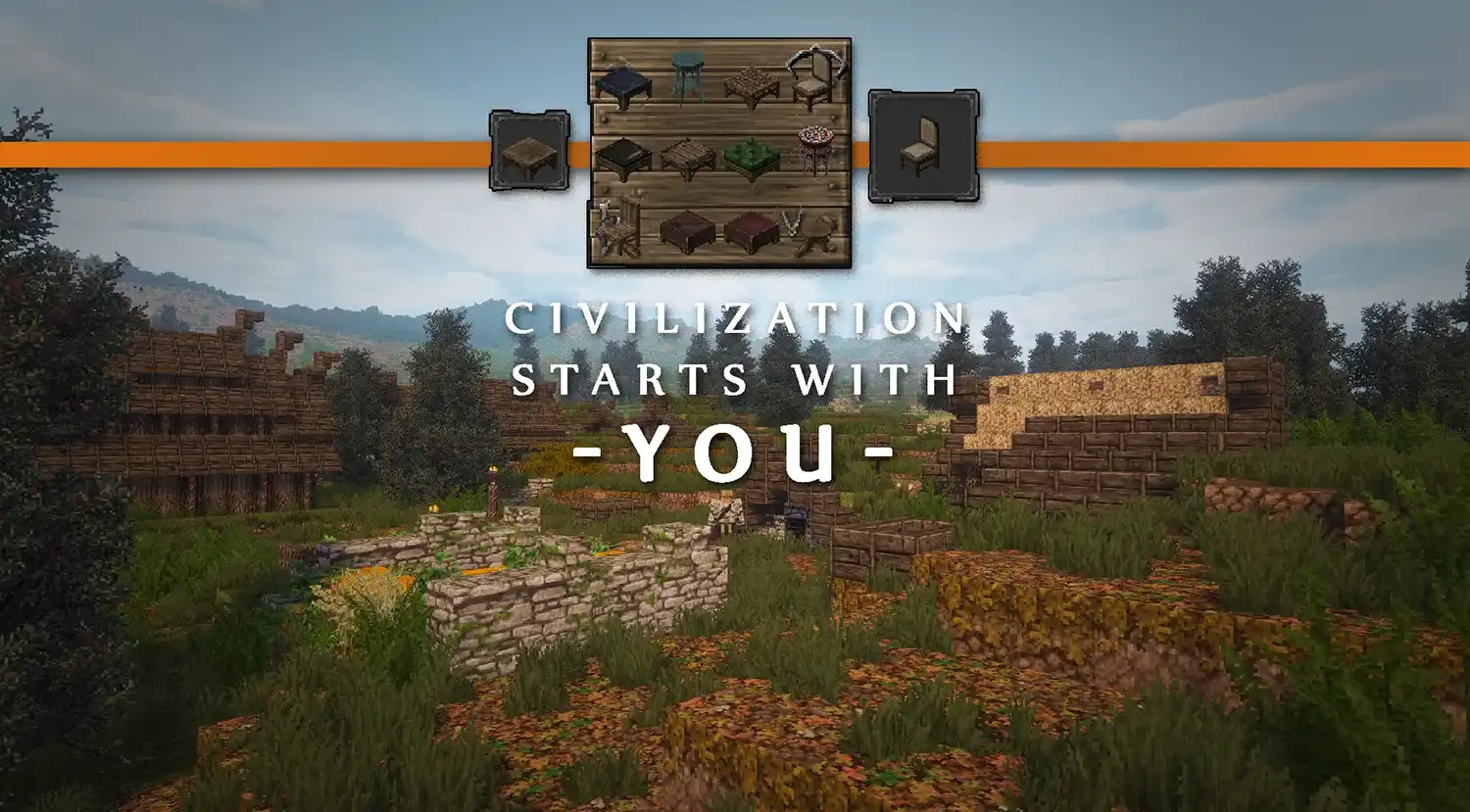
Conquest Reforged Community Sourced Survival Compatibility
As you all know we removed survival compatibility from Conquest Reforged in 1.15.2 due to the significant changes being done on Mojang’s end (especially on the terrain generator). With no custom world gen, our plans for a new recipe system were put on hold until a much later and more stable versions of Minecraft are out there.
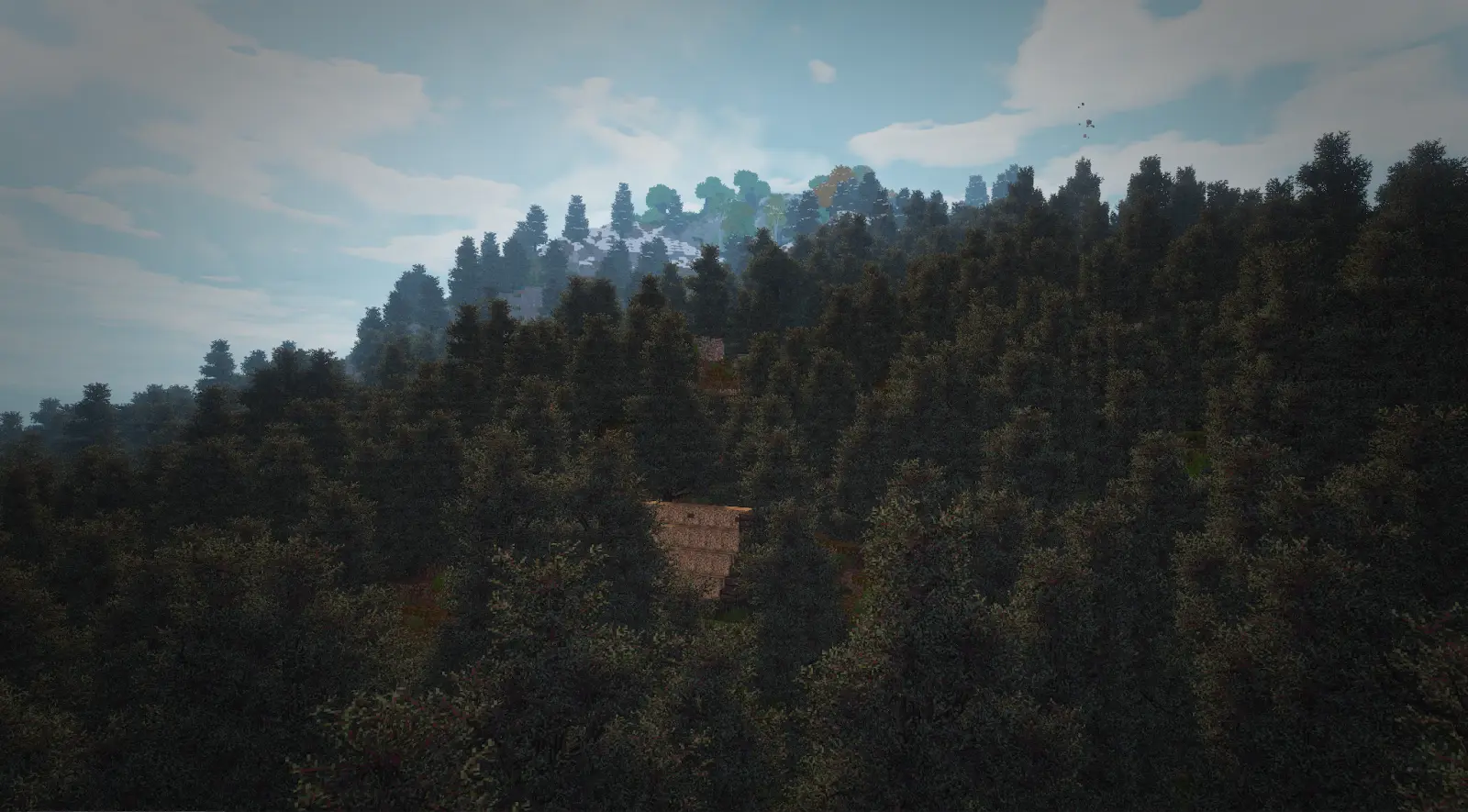
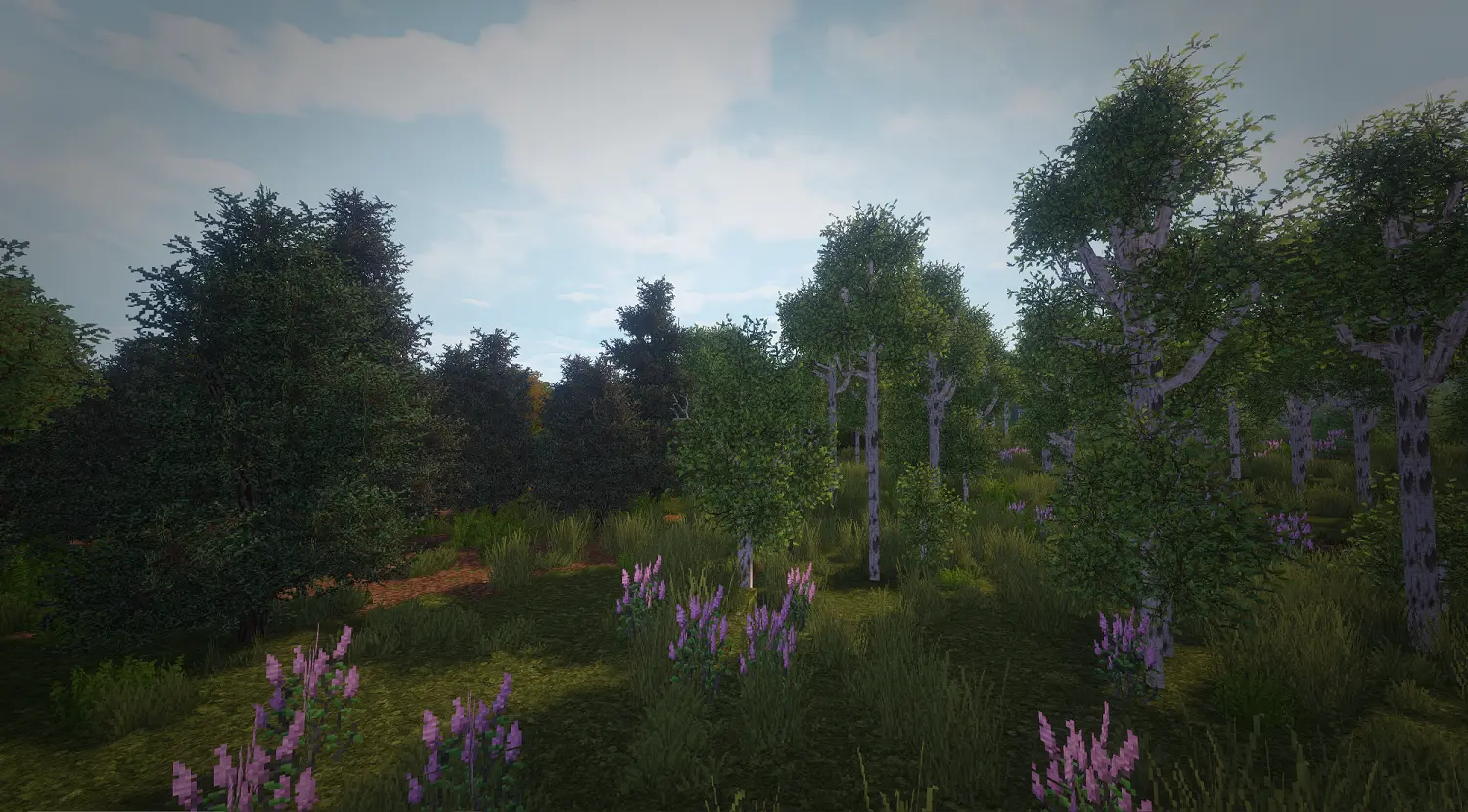
Thankfully, a number of community members stepped up to the plate to contribute and we can finally share their efforts with you. ILikeToGetRekt spent hours working on recipes for twelve and a half thousand blocks amounting to over 25,500 individual recipe files which were vigorously tested by his Twitch community. InstantNootles also put the work in by building 33 custom trees in order to provide more aesthetic consistency between TerraForged and CR. We are blessed to have such a wonderful community that helps fill in the gaps when the dev team is bogged down with work or focusing on other parts of the mod. This would not have existed without them, so go and show them some love when you find the time.
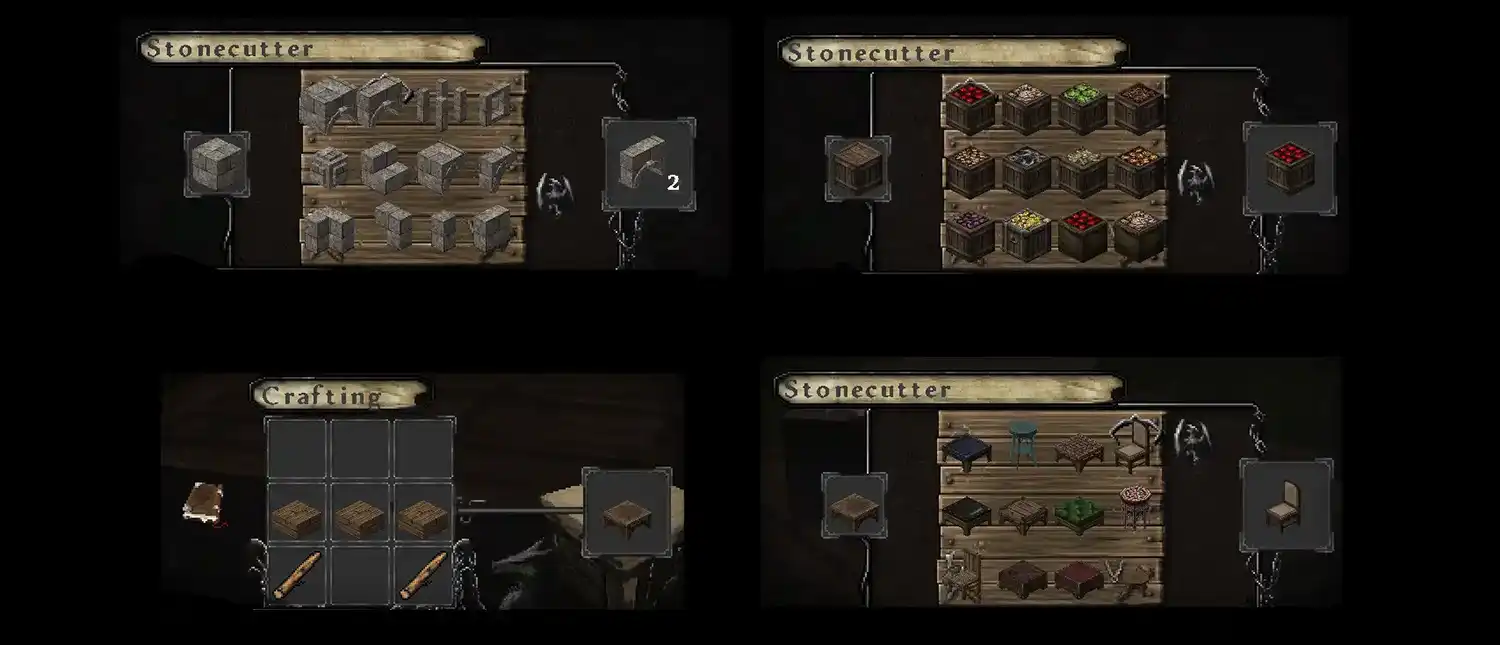
How to prepare Minecraft for CR survival:
- Custom Launcher
- If you are using the CR Launcher the modpack will be updated for you automatically. If you are using the Curse Launcher or a third party one, you should update it using the latest CR modpack on CurseForge.
- When making a new world select the TerraForged world type. This will apply all of the survival compatibility datapacks automatically.
- If you do not wish to use TerraForged or if you have an existing world you will need to install the datapacks manually. This can be done by downloading the datapacks on Curse and dropping them into the ‘datapacks’ folder inside your world folder.
- Manual Installation
- If you are using TerraForged, put the datapacks you wish to use into config/terraforged/datapacks. When you make a new world using the TerraForged world type they will be added to your world automatically.
- If you do not wish to use TerraForged or if you have an existing world you will need to install the datapacks manually. This can be done by downloading the datapacks on Curse and dropping them into the ‘datapacks’ folder inside your world folder.
Where to find the survival compatibility datapacks:
- Conquest Reforged Recipes (required)
Adds recipes for all Conquest Reforged blocks
- TerraForged Tree Overhaul (optional)
Replaces TerraForged trees with trees that use CR blocks
- Conquest Structure Overhaul (optional)
Replaces vanilla structures with more aesthetic ones that fit more with Conquest

1.15.2.Update.exe
Welcome to the 1.15.2 Century

The moment we have all been anxiously waiting for is finally here.
We’re bringing Conquest Reforged 1.15.2 out of beta and into an official release! Fortunately, beta for Conquest Reforged has been rather stable, with the most troublesome issues being related to third-party mods conflicting with other third-party mods (eg: Journeymap vs Optifine chunk shenanigans). As such, all the bugs, mostly minor visual ones, that were reported on Github have been fixed, and a few additions have been made. Overall, not much has changed, and all the blocks from the beta remain intact.
There’s also an update for the Conquest Reforged 1.16.5 alpha. Additions and fixes from the 1.15 release have been merged into the 1.16 version, and the 1.16-specific issues that have been reported thus far have been fixed and resolved. Generally, the alpha seems fairly stable, so I think it’s safe to say it’ll be coming out of alpha in time for or before SpongeForge’s much awaited 1.16 release.
On the team, we’ve been pretty busy in real life, so that’s slowed down development and this release significantly. Most of us have been working, and I’ve been pretty sick for the last few months. Nevertheless, we’re getting back into the swing of things and making progress once again. Along with the 1.15 and 1.16 update, the converter has seen a few fixes for 1.12-1.15. Right now we’re actively working on a major facelift for the website to hopefully make it a more useful place for the community. So far, we’ve scrapped the old media page and replaced it with a curated Showcases page, where we show off and save some of the best Conquest Reforged builds. The header and footer have been replaced as well to be more in line with the Conquest aesthetic. Elsewhere throughout the site, pages are being edited to be more clear and informative. As for 1.17 on the horizon, my brief foray into the new version shows that it could be tricky due to a few factors, such as ForgeGradle updating and most of all Mojang reshuffling or renaming almost all of their files (again). Even so, it should not be anywhere near as time-consuming as the 1.15 update.
Note: If you’ve been using the launcher, you’ll need to go to the resourcepacks interface in-game and enable the latest resourcepack. We opted not to override the settings for which resourcepacks are loaded so that your own settings aren’t forcibly overridden.
1.15.2 Release Changelog:
Additions:
- Granite Embossment
- Fancy Granite Dwarven Column
- Fancy Granite Dwarven Design
- Granite Dwarven Column
- Granite Dwarven Design
- Dark Rough Marble Dwarven Column
- Dark Rough Marble Dwarven Design
- Dark Rough Marble Dwarven Pillar 1
- Dark Rough Marble Dwarven Pillar 2
- Dark Rough Marble Dwarven Runes
- Fancy Dark Rough Marble Dwarven Column
- ancy Dark Rough Marble Dwarven Design
- Fancy Dark Rough Marble Pillar
- Leaded Glass Window
- Gothic Sliding Window
- Brown Oven Tiles
- Green Oven Tiles
- Gray Gothic Arch Frieze
- Red Plaster with White Masonry Lines
- Red White Floral Frieze
- White Gray Floral Frieze
- Glass shape variants for Cloud, Thick Cloud, and Thin Cloud
- Light Gray Screen & White Screen (for fancy screenshots and scenes)
- Command block textures added as Circuit boards and screen, Iron and wood gear box, and Metal Gear Box
- add granite wave stair and slab
Fixes:
- Proper mirroring for various variants when using structure files (eg: better support for Terraforged, or whatever mod or builder uses structure files)
- Fix Stump variant’s update method for Terraforged support
- 1.12 Glass culling for Cloud, Thick Cloud, and Thin Cloud readded (ie: for modern glass builds). Hitbox added to these three blocks so that their respective panes connect to them.
- Small gap between inner and outer metal stairs removed
- baotou block name typo
- fior di bosco name typo
- Get rid of unneeded waterColor() for empty barrels, fixing blue particle color
- Get rid of problematic Big Ladder culling
- More complex and accurate voxelshape for stone urns
- Vanilla farmland reverted to vanilla model to avoid culling issues
- Fixes for hand cart wheel uvmapping
- Fixed Vertical Corner Slab incorrect texture assignment on one side
- Add functionality for moving through Painting GUI via left and right keys rather than just the scroll-wheel (ie: for laptops)
- Dependency screen doesn't show up when there are no missing dependencies
- remove useless icons on block palette wheel texture
- fix nsew small branch model using wrong texture
- clean up cornice models a bit
- fix cabbage and common bean resolution
- Make curtain vines pass-thru, improved placement to not be restricted to full blocks
- window panes arch/slab/stair texture connection improved a bit
1.16.5 Alpha Changelog:
- Should include all 1.15.2 fixes and additions
- Fixed pillar, column, and log blocks using the wrong texture